|
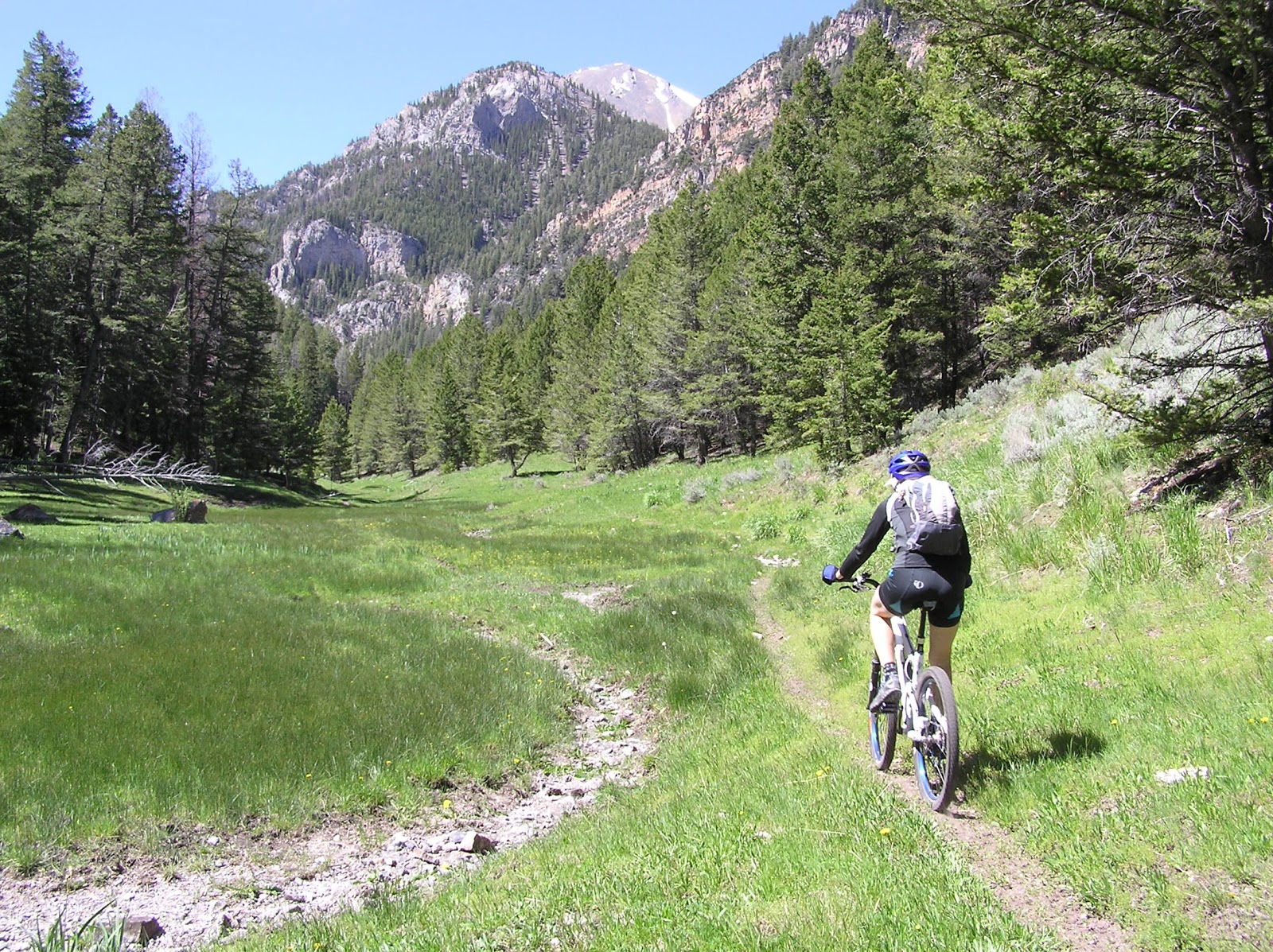
| Crossing the head of the Park Fork drainage. |
There is some amazing singletrack in the southern Lemhi Mountains. Big Timber Creek accesses some of these trails with two great loops; Rocky Creek Loop and Trail Creek to Cabin Creek.
Both of these rides first climb on Road #105 south-west of Leadore. The mileages from the chart below are taken from near the end of the road, it is best to start riding a couple miles earlier as the road gets rough and slow. The rides then drop down to the trail in Big Timber Creek on a loose ATV section. There is a gate closing ATV access once in the bottom of Big Timber Creek and it is all singletrack from there.
The Rocky Creek Loop briefly follows Big Timber Creek then climbs along Rocky Creek. The trail crosses two passes on the shoulders of Yellow Peak then descends 2500' in the next 8 miles.
Trail and Cabin Creek loop heads up Big Timber then crosses the creek and climbs up Trail Creek not quite to Timber Creek Pass. Then it head west across the top of the Lemhis for a little over a mile before dropping down Cabin Creek back to Big Timber.
The return to Road #105 from Big Timber is steep and both rides climb well over 3000' total. Expect some standard Idaho hike-a-bike, and don't let the relatively short mileages of both loops lead to thoughts of easy rides.
Included for reference on the map below is the Snowbank Loop. Snowbank and Trail-Cabin Loops share the trail along the divide between them. Snowbank Loop is accessed from the Little Lost River Valley, check out the
Blog post from last September.
Big Timber - Rocky Creek Loop:
18.3 miles. Singletrack. 3600' Up and Down. High 9710' and Low 7250'.
|
 |
| Mid climb in Rocky Creek |
|
|
Big Timber - Trail Creek - Cabin Creek Loop:
14.2 miles. Singletrack. 3300' Up and Down. High 9480' and Low 7250'.
|
 |
| Lake Creek is an Out and Back option. (WHecker photo) |
|
|
Snowbank Trail Loop:
24.2 miles. Singletrack and twotrack. 5400' Up and Down. High 9600' and Low 6960'.
 |
| The top of the Rocky Creek Trail. |
|
 |
| Somewhere along the Big Timber Creek trail. |
|